
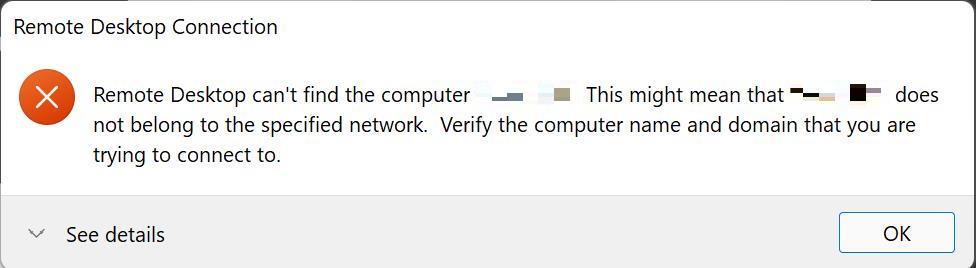
If you encounter this error, try the steps below:
Step 1
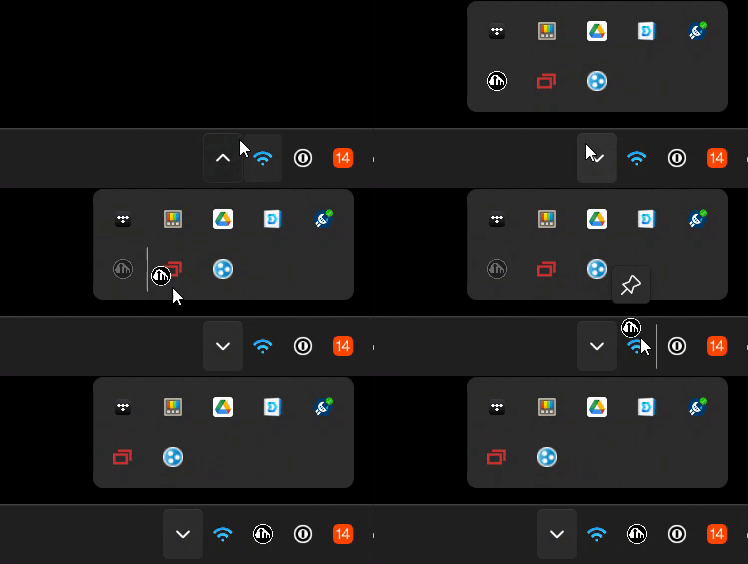
Do you see the Avail icon in the task bar?
If not – click the taskbar arrow, then click and drag the icon:
Step 2
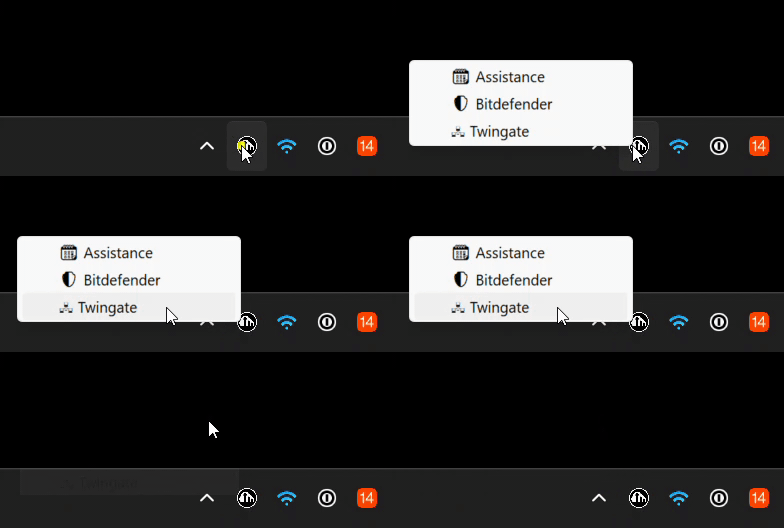
Click on the Avail icon, then click on “Twingate”
Step 3
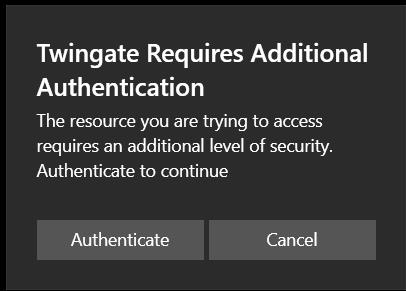
You should see a pop-up in the bottom right corner of your screen, click the “Authenticate” button
A web browser window should open, click on your Google Account.
After clicking on your Google Account, it should see a green check mark.
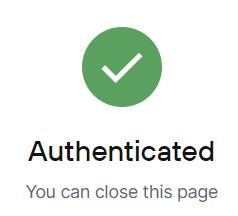
You can now close the web browser window and connect to the server.
Still not working?
Restart your computer

Still no luck?
Schedule a remote support session
Thanks for reading.
 Avail Networks