
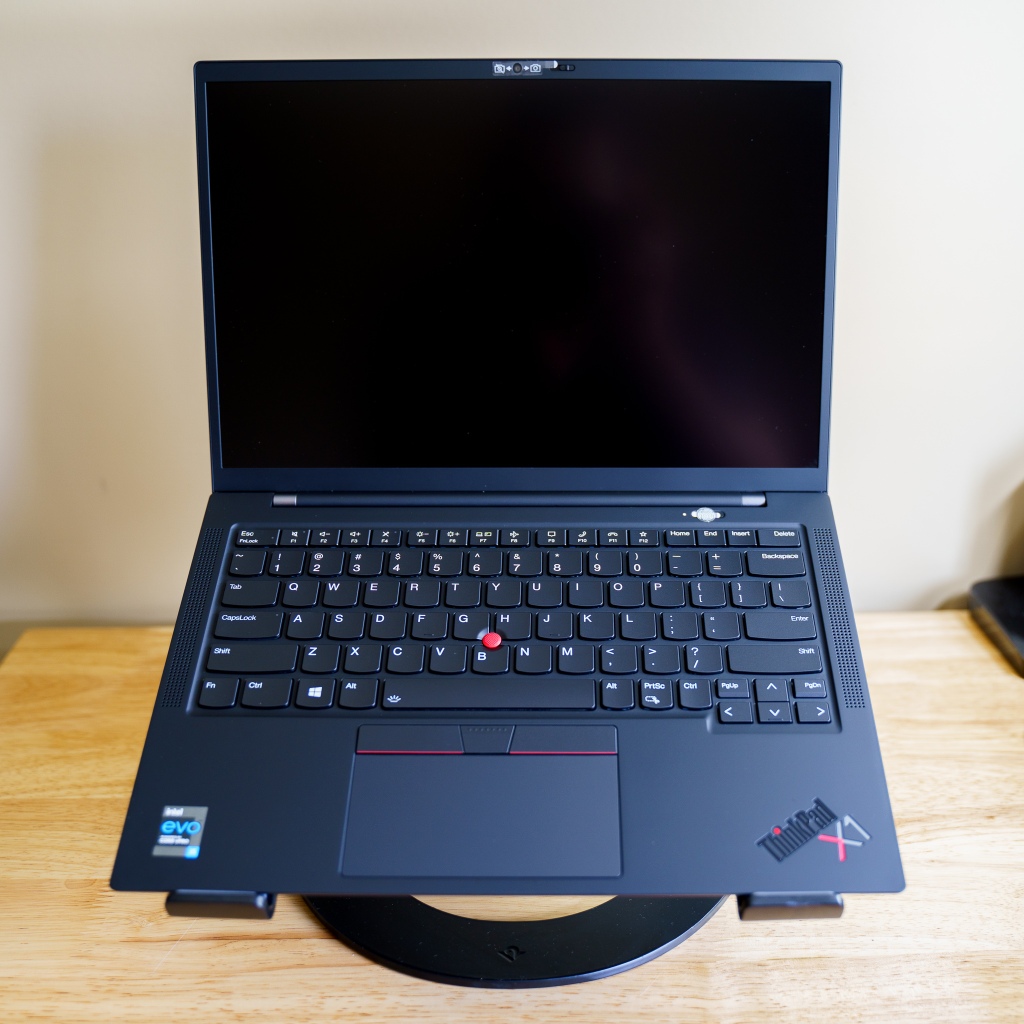
- If connected to a docking station, disconnect.
- Press and hold the power button for a full 12 seconds, then release.⌚
- Tap the power button.
Still not turning on?
- Try a different charger.
- Any charger that is rated at least 45W (ideally 65W) should work.
Still not working?
- The BIOS may need to be reset.
- This can happen if the computer was powered off during a bios update (you would have seen a black screen with white text).
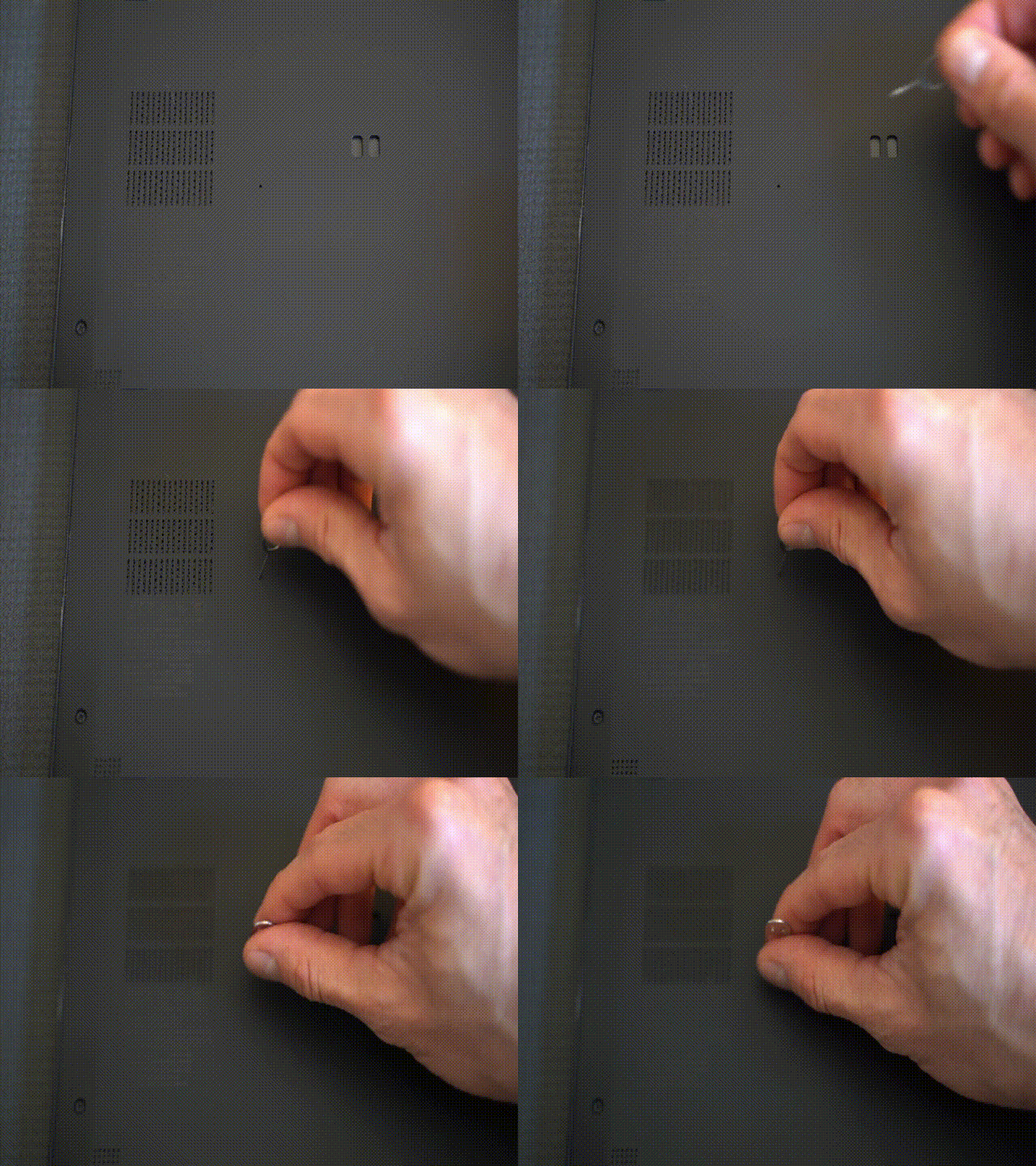
- There is a hole on the bottom, using a paper clip or pin, press the reset button for a full 60 seconds ⌚
None of that worked?
- Call Lenovo Support at 1-800-565-3344
- Schedule a support call
Got it booted up? Great!
Now make sure your ThinkPad has the latest drivers and updates:
- Run Lenovo Vantage or Lenovo Commercial Vantage
(found in your Start Menu > All Programs) - The app icon may be blue or red:

- Choose System Update in the Vantage app (it can take up to 60 seconds to show available updates)
- Install any available updates (rebooting might be necessary)
Thanks for reading.
 Avail Networks